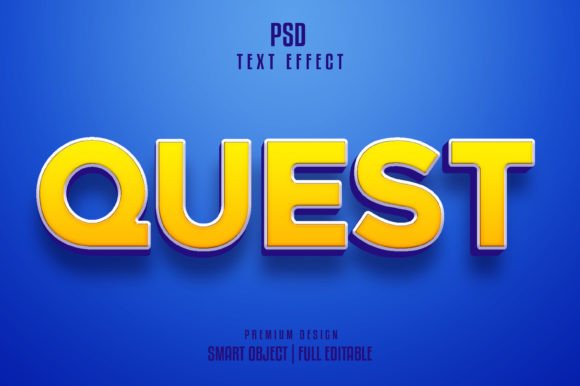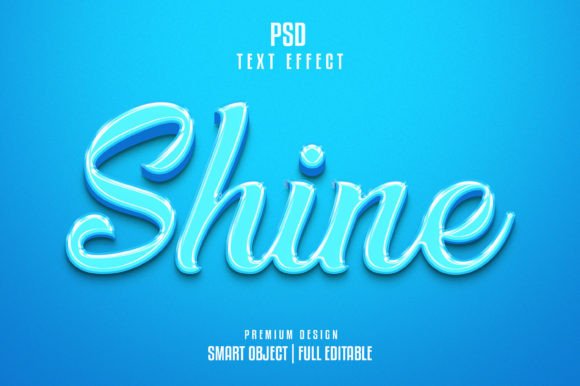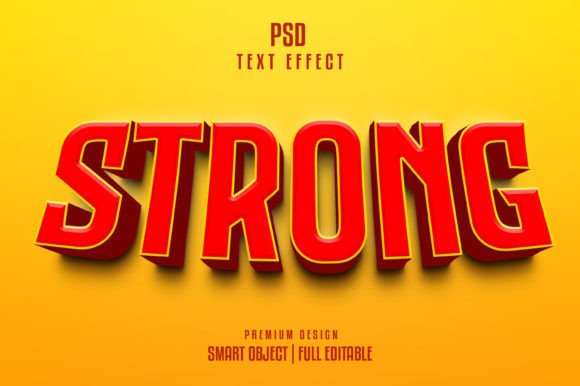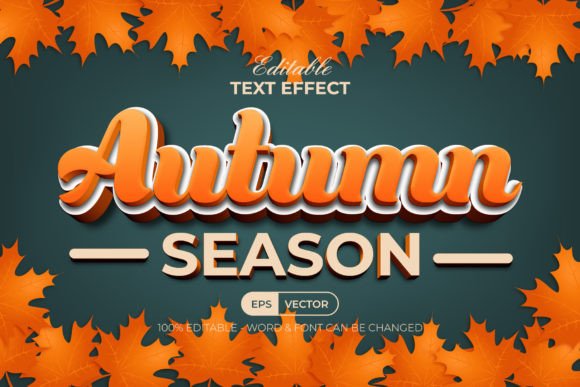
Mastering the Classic 3D Retro Vintage Text Effect for Modern Design Projects
In an era dominated by sleek minimalism and flat design aesthetics, there is a growing resurgence of interest in textures that evoke nostalgia, warmth, and tangible depth. The Classic 3d Retro Vintage Text Effect stands at the forefront of this visual revival, offering designers a powerful tool to bridge the gap between mid-century charm and contemporary digital clarity. Whether you are crafting branding materials for a craft brewery, designing posters for a music festival, or creating social media graphics that need to stop the scroll, understanding how to leverage this specific typographic style can significantly elevate your creative output.
This article explores the practical applications of vintage 3D typography, addressing common design challenges and demonstrating how fully editable vector resources can streamline your workflow while maintaining professional quality.
Understanding the Appeal of Retro 3D Typography
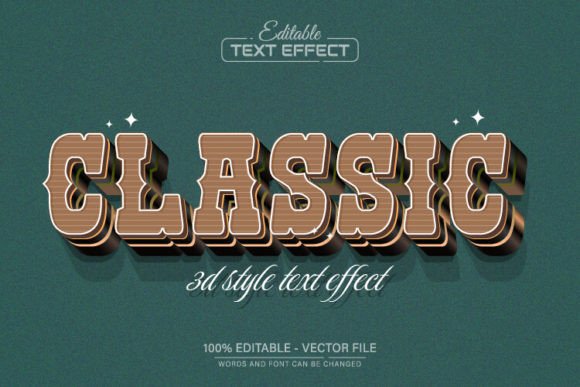
The Classic 3d Retro Vintage Text Effect is more than just a stylistic choice; it is a communication strategy. This design approach typically features bold, slab-serif or rounded sans-serif fonts extruded to create depth, often accompanied by distressed textures, muted color palettes, and shadow play that mimics traditional print techniques like letterpress or screen printing. The "vintage" aspect implies a sense of history and authenticity, suggesting that the brand or message has stood the test of time.
For modern audiences, this aesthetic triggers an emotional response associated with reliability, craftsmanship, and artisanal quality. However, achieving this look from scratch in software like Adobe Illustrator can be technically demanding. It requires a nuanced understanding of layering, blending modes, gradient meshes, and perspective grids. Many designers, particularly those who are not specialists in typography, find themselves spending hours tweaking anchor points and adjusting shadows, only to end up with a result that looks cluttered rather than cohesive.
Overcoming Design Bottlenecks with Editable Vector Assets
The primary challenge in adopting complex text effects is the balance between customization and efficiency. Custom-building a 3D retro effect for every project is rarely feasible under tight deadlines. This is where pre-designed, fully editable vector assets become invaluable. By utilizing a resource specifically built for the Classic 3d Retro Vintage Text Effect, designers can bypass the tedious technical setup and focus on strategic implementation.
A high-quality vector template offers several distinct advantages over raster-based images or static presets:
- Scalability Without Quality Loss: Because the design is built on vector paths, you can enlarge or reduce the size indefinitely. Whether you need a massive billboard graphic or a small favicon, the lines remain crisp, and the details stay sharp. This ensures that the quality has never decreased, regardless of the output dimensions.
- Complete Editability: Unlike flattened JPEGs or PNGs, a vector file allows you to manipulate every element. You can change the text content, adjust the thickness of the 3D extrusion, and modify the curvature of the letters to suit your specific brand voice.
- Unlimited Color Variations: Retro designs often rely on specific color harmonies. With an editable vector file in Adobe Illustrator, you can swap out the entire color palette with a few clicks. This allows you to test different moods—such as switching from a warm, sepia-toned autumn palette to a cool, neon-infused synth-wave vibe—without rebuilding the effect.
Practical Applications Across Industries
The versatility of the Classic 3d Retro Vintage Text Effect makes it suitable for a wide array of industries. Here is how different professionals can apply this style to meet their specific goals:
Branding and Identity
For businesses aiming to project an image of heritage and trustworthiness, such as barbershops, coffee roasters, or denim brands, this text effect provides an instant visual cue of authenticity. Using a customizable vector template allows brand designers to ensure that the logo remains consistent across various mediums, from business cards to storefront signage.
Event Promotion and Merchandise
Music festivals, vintage markets, and pop-up events thrive on energetic, eye-catching visuals. The bold nature of 3D retro text commands attention. Designers can quickly iterate through different band names or event titles using the editable text feature, allowing for rapid production of posters, t-shirts, and tote bags. The ability to edit colors easily means the same design template can be adapted for different stages or days of an event.
Digital Marketing and Social Media
In the crowded landscape of social media, static posts often fail to engage users. Incorporating a textured, 3D vintage aesthetic can make digital ads feel more tactile and premium. Since the source files include high-resolution JPGs alongside the EPS vectors, social media managers can quickly export optimized images for Instagram or Facebook without needing deep technical skills in vector software.
Implementation Guide: How to Customize Your Design
One of the most significant barriers to using advanced design templates is the perceived learning curve. However, modern vector templates are designed with user-friendliness in mind. You do not need to be an expert illustrator to achieve professional results. The process is straightforward and requires no specialized skill beyond basic navigation of Adobe Illustrator.
Here is a step-by-step approach to customizing your Classic 3d Retro Vintage Text Effect:
- Prepare Your Environment: Ensure you have Adobe Illustrator CS or a higher version installed. This software is industry-standard for handling EPS and AI files, ensuring full compatibility with the vector paths.
- Open the Source File: Launch the EPS file provided in the download package. You will see the pre-designed text effect laid out on the canvas.
- Select the Text Tool: Press “T” on your keyboard to activate the Type Tool. Click directly on the existing text within the design. Because the text is fully editable, it will highlight just like any standard text box.
- Input Your Content: Delete the placeholder text and type in your desired message. The vector effects—such as the 3D extrusion, shadows, and textures—are linked to the text object. In many well-constructed templates, these effects will automatically update to match the length and shape of your new text.
- Refine the Aesthetics: If the template allows, use the Selection Tool (V) to adjust individual components. You might want to tweak the angle of the 3D depth or change the hue of the shadow to better match your brand colors. Remember, since it is a vector, you can zoom in infinitely to check for alignment precision.
- Export for Use: Once satisfied, save your working file as an AI or EPS for future edits. For immediate use, export the design as a high-resolution JPG or PNG. The download content typically includes font information, ensuring you can install any necessary free fonts to maintain the exact look if you transfer the file to another computer.
Considerations for Optimal Results
While the technology simplifies the process, thoughtful design decisions still matter. When applying the Classic 3d Retro Vintage Text Effect, consider the legibility of your text. Highly decorative 3D effects can sometimes obscure the message if the contrast between the face of the letter and its shadow is too low. Always ensure that your text remains readable against its background.
Additionally, pay attention to the context of the "vintage" style. Not all retro effects are created equal; some lean towards the 1950s diner aesthetic, while others evoke the gritty 1970s rock poster vibe. Choose a template that aligns with the specific era and emotion you wish to convey. The ability to edit colors unlimitedly means you can fine-tune this alignment, shifting from pastel tones for a softer look to high-contrast blacks and oranges for a bolder statement.
Ultimately, the goal is to use these tools to enhance your creativity, not replace it. By leveraging a fully editable vector design, you remove the technical friction, allowing you to focus on the message, the composition, and the overall impact of your design. This approach empowers both novice designers and seasoned professionals to produce high-quality, nostalgic visuals efficiently, ensuring that the timeless appeal of retro 3D typography remains accessible and relevant in modern digital communication.