Integrating the White 3D Text Effect into Professional Design Workflows
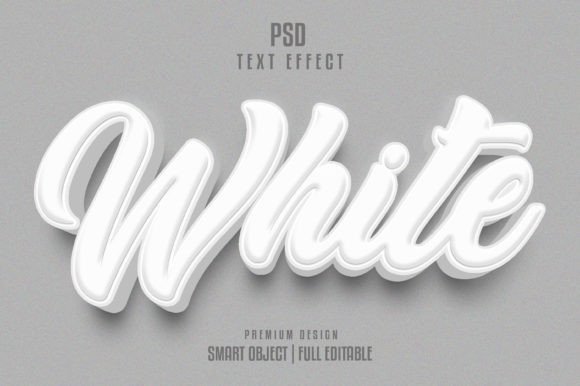
In the fast-paced environment of digital marketing and graphic design, visual hierarchy is not just an aesthetic choice; it is a functional necessity. The White 3D Text Effect has emerged as a versatile tool for creators who need to establish immediate focal points without sacrificing readability or brand integrity. Unlike flat typography, three-dimensional text adds depth, shadow, and physical presence to a composition, allowing key messages to pop against complex backgrounds. However, creating high-quality 3D typography from scratch can be time-consuming, requiring advanced knowledge of lighting, perspective, and rendering software. This is where pre-built assets, such as a TEXT EFFECT TEMPLATE Editable PSD, become invaluable components of a streamlined creative process.
For professionals ranging from freelance designers to in-house marketing teams, the ability to rapidly deploy high-fidelity visual elements is crucial. A well-constructed template allows you to bypass the technical hurdles of 3D modeling while maintaining full creative control over the final output. By understanding how to integrate these resources into your existing workflow, you can enhance productivity, ensure consistency across campaigns, and deliver polished results that meet the demanding standards of modern digital media.
The Strategic Role of 3D Typography in Visual Communication
Before diving into the technical implementation, it is important to understand where the White 3D Text Effect fits within the broader scope of visual communication. Three-dimensional text is particularly effective in scenarios where clarity and impact are paramount. It is commonly used in hero sections of websites, social media advertisements, product packaging mockups, and event posters. The "white" variant offers a unique advantage: neutrality. White text can adapt to virtually any color palette, acting as a clean, modern anchor that does not clash with background imagery or brand colors.
When planning a project, consider the stage at which this effect will be most beneficial. In the initial concept phase, using a placeholder 3D effect can help stakeholders visualize the weight and balance of the layout. During the production phase, replacing that placeholder with a high-resolution, editable template ensures that the final asset meets print and digital quality standards. This approach prevents the common pitfall of designing around flat text only to realize later that the composition lacks depth or visual interest.
Leveraging Editable PSD Templates for Efficiency
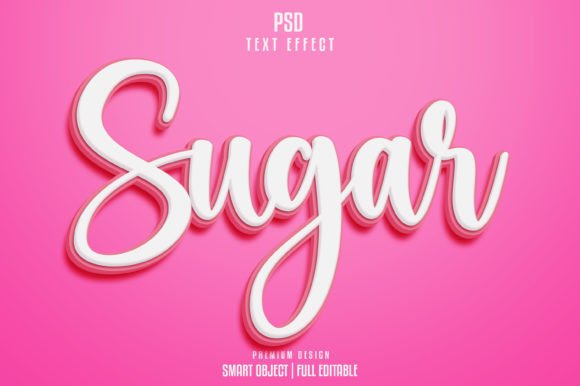
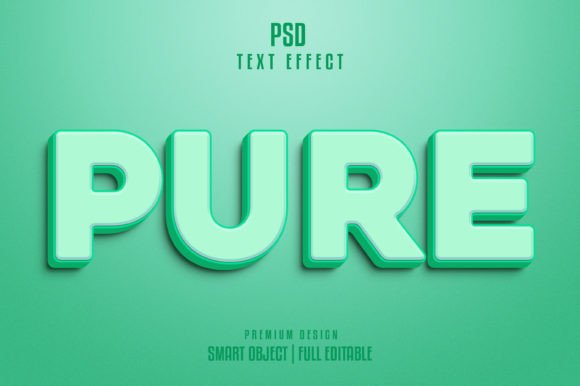
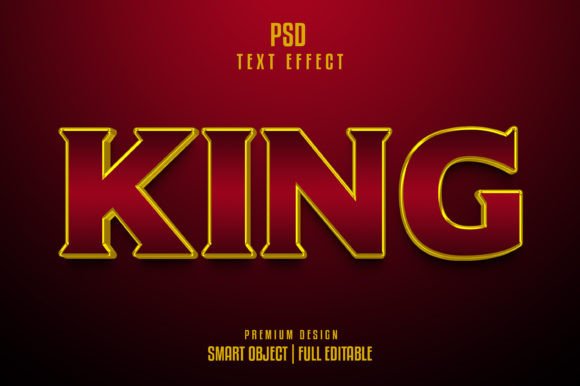
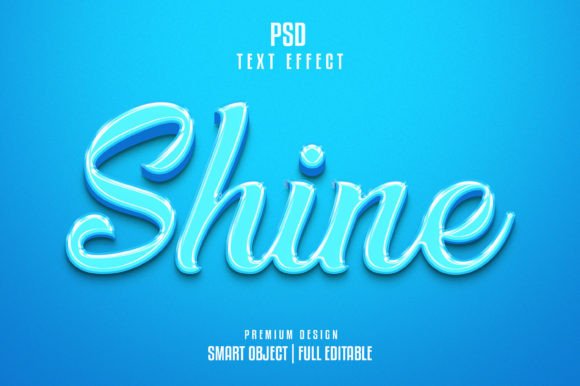
The core value of a TEXT EFFECT TEMPLATE Editable PSD lies in its structure. A professional-grade template is not merely a static image; it is a fully layered, organized file designed for flexibility. When you download a resource specified as "Ready to Use" with "Smart Objects," you are gaining access to a non-destructive editing environment. This means you can change the text, adjust colors, and modify lighting effects without permanently altering the underlying pixel data.
Key features to look for in these templates include:
- Smart Objects: These allow you to double-click a layer, type your desired text, and save. The 3D effect, shadows, and highlights update automatically to match your new input.
- High Resolution (300 DPI): Essential for print materials. A resolution of 300 dots per inch ensures that edges remain crisp and details are sharp, whether the final output is a business card or a large-format banner.
- Organized Layer Groups: A well-layered file saves time. Look for templates where effects, shadows, highlights, and base text are separated into clearly labeled groups. This organization makes it easier to tweak specific aspects of the design, such as intensifying the shadow or changing the ambient light color.
- RGB Color Mode: Ideal for digital screens, web graphics, and social media content. Ensure the template matches your intended output medium.
By utilizing a template with these specifications, such as one sized at 2000x1331px, you ensure that the asset is versatile enough for both high-density displays and standard web use. The inclusion of free fonts further simplifies the process, removing the barrier of purchasing additional licenses just to preview or use the design.
Implementation Workflow: From Download to Final Asset
Integrating a White 3D Text Effect into your project follows a logical sequence that prioritizes preparation and precision. Here is a practical breakdown of how to execute this process efficiently.
1. Preparation and Compatibility Check
Before opening the file, verify that your software version supports the features used in the template. Most modern versions of Adobe Photoshop handle Smart Objects and layer styles seamlessly. Ensure your workspace is calibrated for RGB color if you are designing for digital platforms. If the template includes linked smart objects or external font files, make sure these are accessible. A "Free Font" designation means you should download and install the specified typeface before opening the PSD to avoid substitution errors.
2. Editing the Smart Object
Open the PSD file and locate the layer marked as the Smart Object for text replacement. Double-click the thumbnail icon in the Layers panel. This action opens a new tab containing the source text. Type your desired headline or phrase. Pay attention to kerning and leading; 3D effects can sometimes exaggerate spacing issues. Once satisfied, save the file (Ctrl+S or Cmd+S). Return to the main document, and you will see the 3D effect automatically applied to your new text. This non-destructive method allows for rapid iteration. You can test multiple headlines quickly to see which fits the layout best.
3. Customization and Refinement
While the template provides a high-quality base, customization is often necessary to align with specific brand guidelines. Use the adjustment layers included in the template to modify the hue, saturation, or brightness of the white text. Although the effect is "white," it can take on subtle tones from ambient lighting adjustments. You might also adjust the opacity of shadow layers to better suit the background image. If the background is dark, you may want to increase the contrast of the highlights; if it is light, you might deepen the shadows to maintain legibility.
4. Quality Control and Export
Once the text is finalized, zoom in to 100% to check for any aliasing or artifacts around the edges. The 300 DPI resolution should provide clean lines, but complex curves in certain fonts may require minor manual cleanup. Verify that all layers are merged correctly if you are exporting for a format that does not support layers, such as JPEG or PNG. For web use, consider exporting via "Save for Web" to optimize file size without compromising visual quality. For print, ensure you are saving in the appropriate format (such as TIFF or high-quality PDF) and confirm the color profile matches your printer’s requirements.
Enhancing Consistency Across Campaigns
One of the often-overlooked benefits of using a standardized TEXT EFFECT TEMPLATE is brand consistency. When multiple designers work on a single campaign, or when a single designer creates assets over several months, using the same base template ensures that the 3D style remains uniform. This is particularly important for series-based content, such as weekly social media posts or a multi-part email newsletter series.
To maximize this benefit, create a library of approved templates for your team. Document the specific settings used for lighting and shadow intensity. This creates a internal style guide that reduces decision fatigue and speeds up the onboarding process for new team members. By treating the template as a foundational asset rather than a one-off solution, you build a scalable design system that supports long-term brand recognition.
Practical Considerations for Long-Term Use
While templates offer significant advantages, they should be used judiciously. Overreliance on a single effect can lead to visual monotony. It is advisable to maintain a diverse toolkit of text effects, using the White 3D Text Effect specifically for headlines or calls to action where emphasis is needed. Additionally, always respect licensing agreements. Even if a font is free for personal use, commercial projects may require a paid license. Verify the terms for both the PSD template and the included fonts to avoid legal complications.
Furthermore, keep your software updated. New features in design applications can sometimes enhance the performance of Smart Objects or layer styles. Regularly backing up your customized templates ensures that your workflow remains uninterrupted in the event of hardware failure or file corruption.
Conclusion
The White 3D Text Effect is more than a stylistic trend; it is a functional element that enhances readability and visual impact in digital and print media. By leveraging a high-quality, Editable PSD text effect template, designers and marketers can streamline their production processes, reduce turnaround times, and maintain professional standards. The key to success lies in understanding the technical structure of the template, integrating it smoothly into your existing workflow, and customizing it to meet specific project needs. With proper preparation and attention to detail, this resource becomes a powerful asset in your creative arsenal, enabling you to produce compelling, high-resolution designs with efficiency and precision.